
The sandtray, now in your browser
A calm space to create your own world
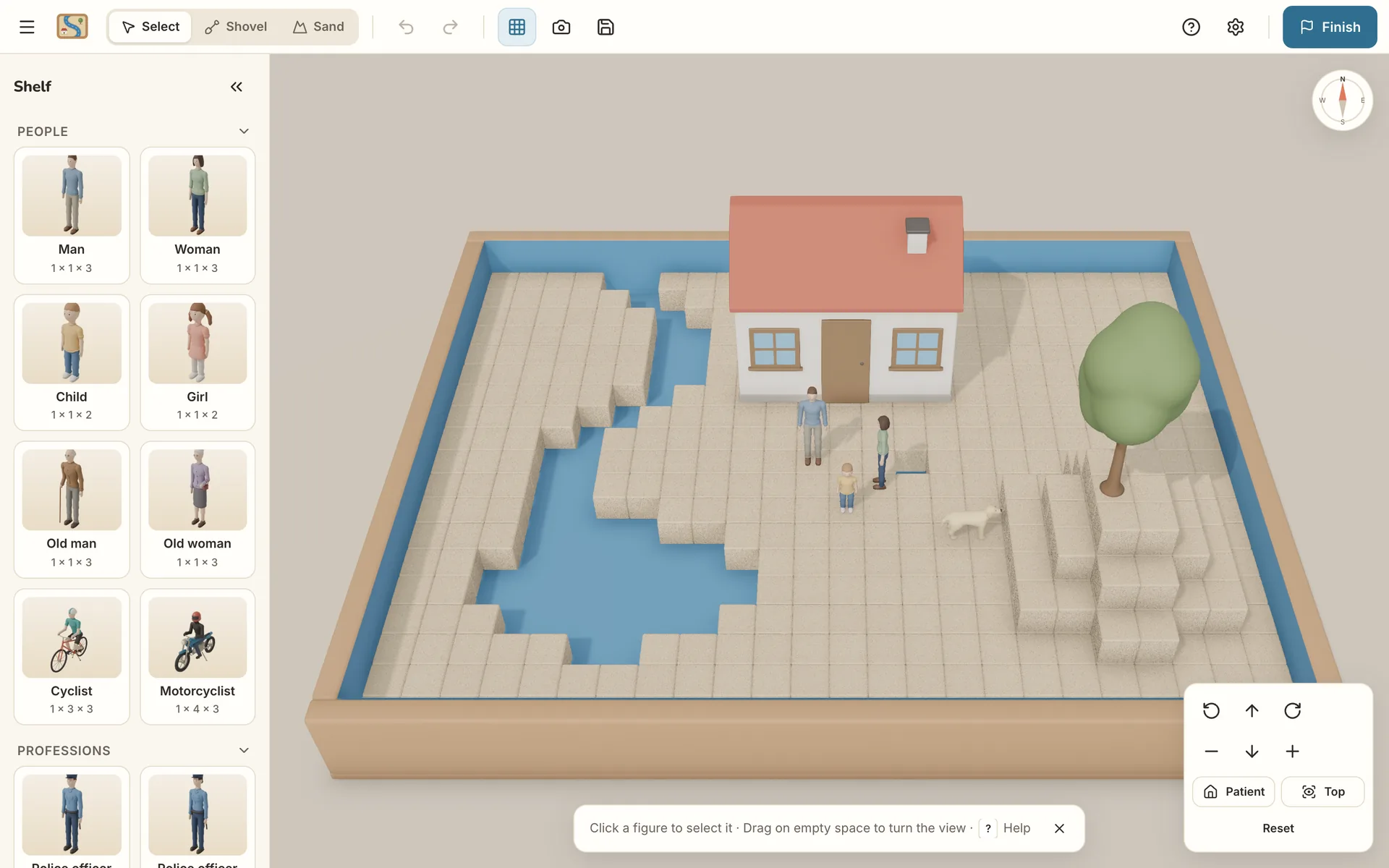
SandtrayRoom brings the therapeutic Sandtray technique to your computer: a 3D tray with sand, water and figures where you can build freely, without judgement and without anything leaving your device.
- No accounts, nothing to install
- Everything stays on your computer
- In English and Spanish
What it is
The Sandtray technique, true to the original
Sandtray is a therapeutic technique, developed by Dora Kalff, in which a person builds a “world” in a tray with sand, water and miniatures. What matters is creating it your own way, without overthinking it.
SandtrayRoom brings that experience to the browser with a tray of real proportions (72 × 57 × 7 cm), a blue base that looks like water, sand you can move aside and rigid figures, just like real ones.
-
No tray or miniature collection needed All you need is a computer with a browser.
-
Remote sessions too On a video call, by sharing your screen, or between sessions.
-
Sharp photos of your world From the patient view and from above, whatever the lighting or your phone.
-
Effortless undo No spilled sand or fallen figures: any change can be undone instantly.
How it works
Four steps, at your own pace
No experience with video games or 3D software needed. If it's your first time, a short tutorial shows you the basics.
-
Start with a simple invitation
When you begin, SandtrayRoom invites you to create freely with a short instruction, the same idea used in therapy sessions. There's no time limit and nothing to achieve.
Your world
Look at the figures on the shelf and choose the ones that catch your eye, without thinking too much. Place them in the sand however you like. There is no right or wrong way: this is your world.
The instruction shown when you start. -
Choose and place figures
Pick a figure from the shelf and bring it to the tray: a silhouette shows you where it will go. Press R to rotate it and T to change its posture: standing, face up, on its side… One click and it's placed.
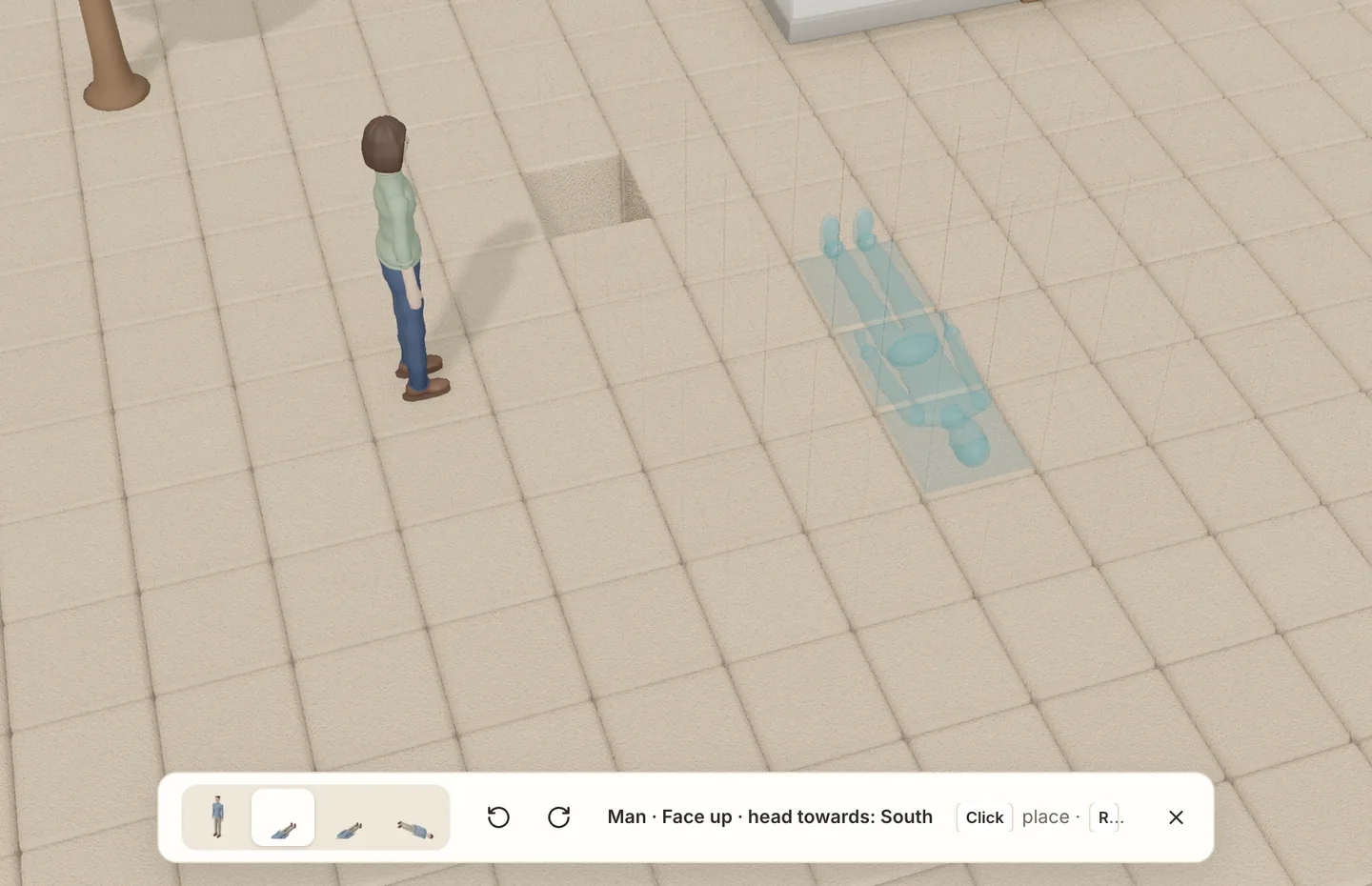
Before you let go, you see exactly where it will go. -
Shape the sand
With the Shovel you dig down to the water at the bottom: rivers, lakes or holes. With Sand you fill what you dug or raise mounds of different heights.
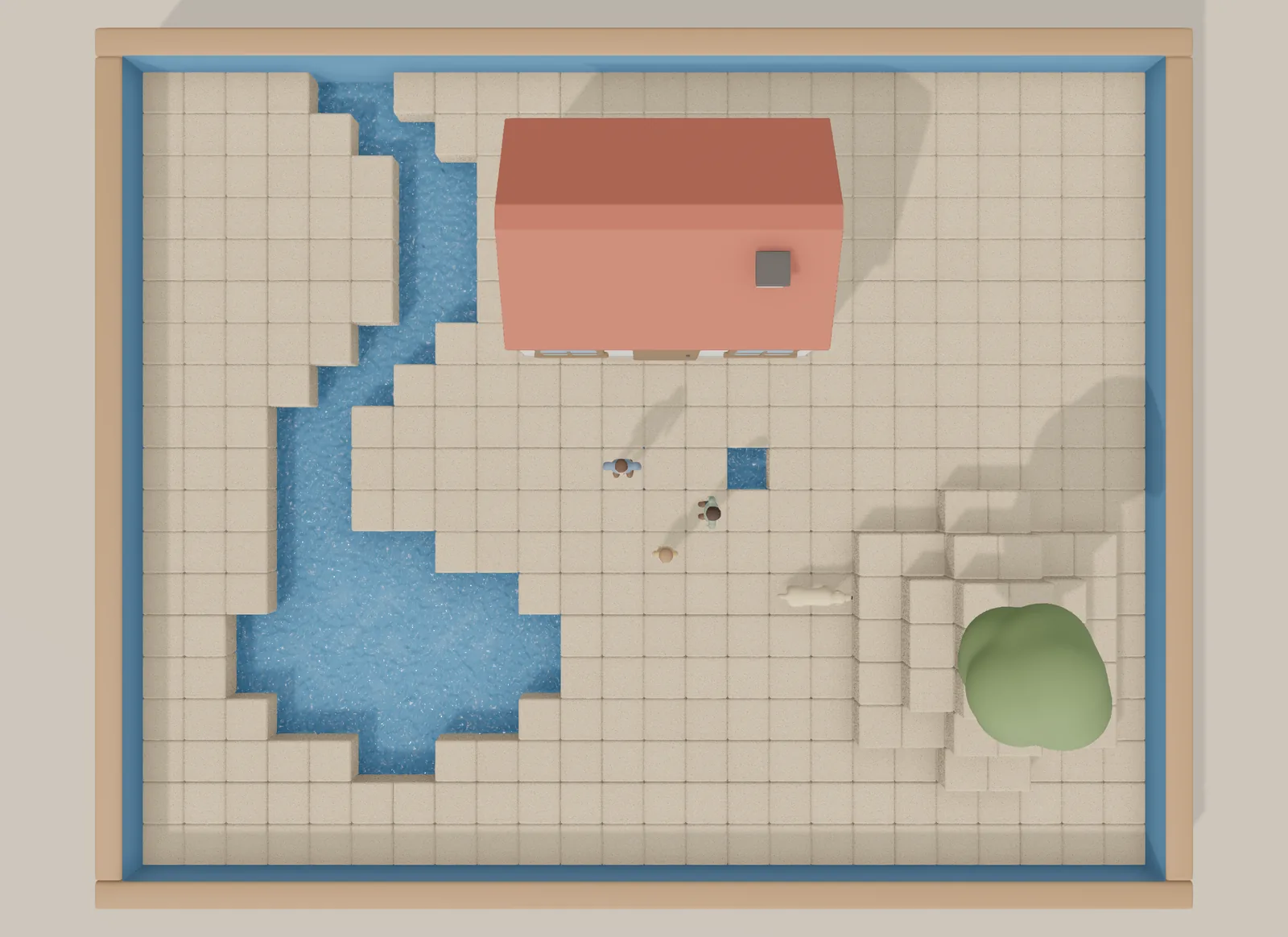
The top view, with a river, a pond and a mound. -
Finish and save your world
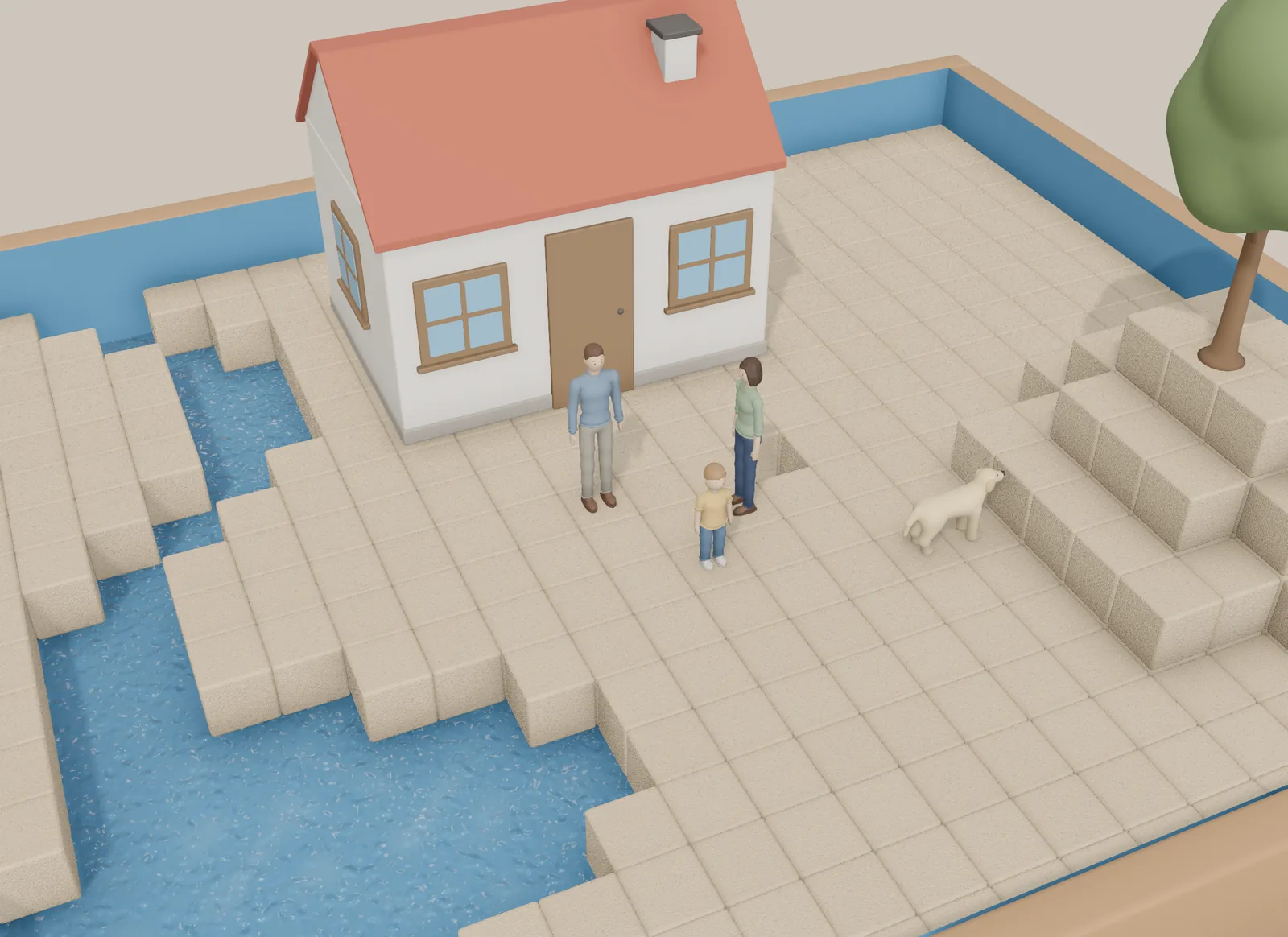
Whenever you like, press Finish: SandtrayRoom takes two photos, from the patient view and from above. You can give your world a title, describe what happens in it and save everything to show your therapist or carry on another day.
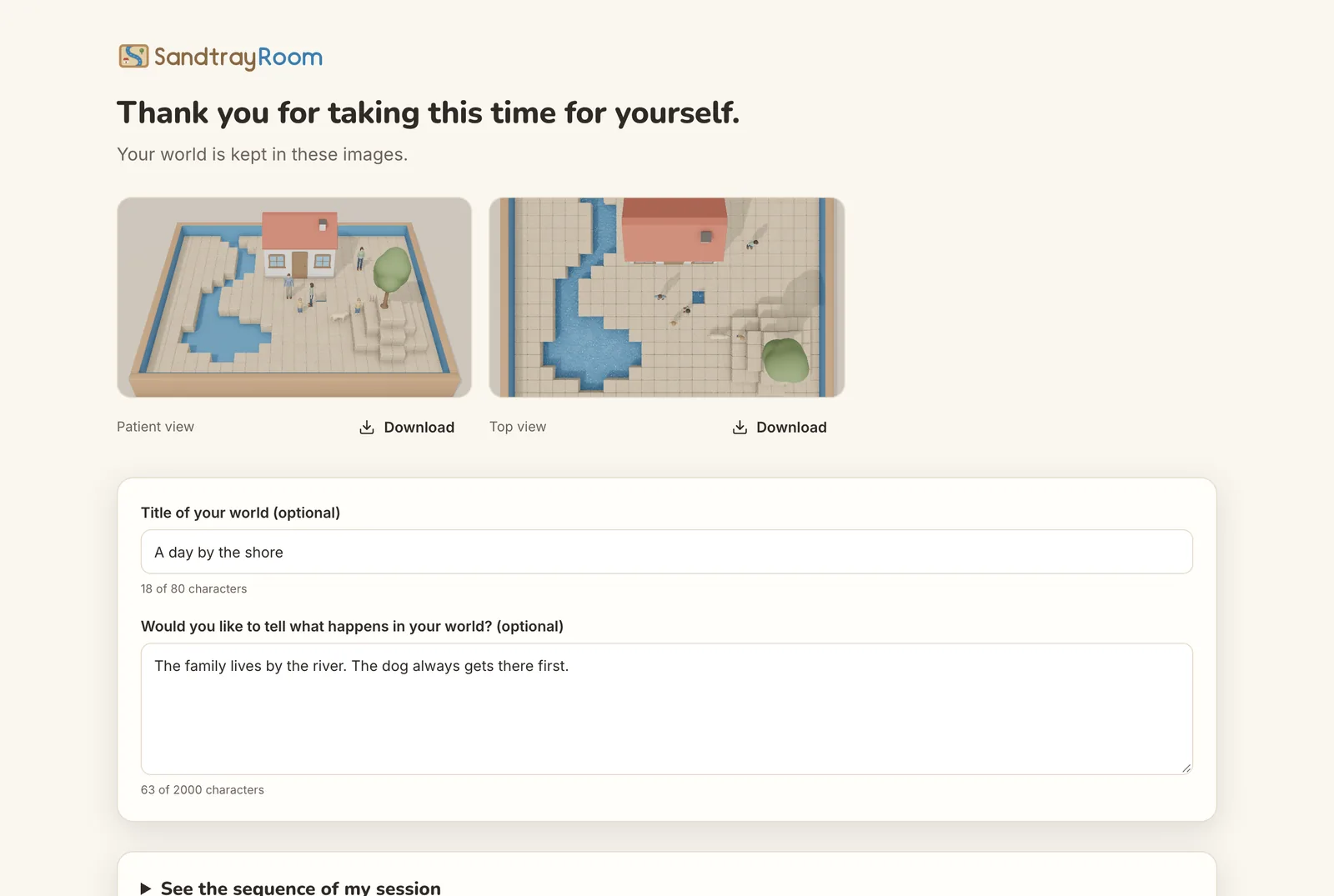
A calm ending, with your photos and your words.
Features
Designed so you can focus on creating
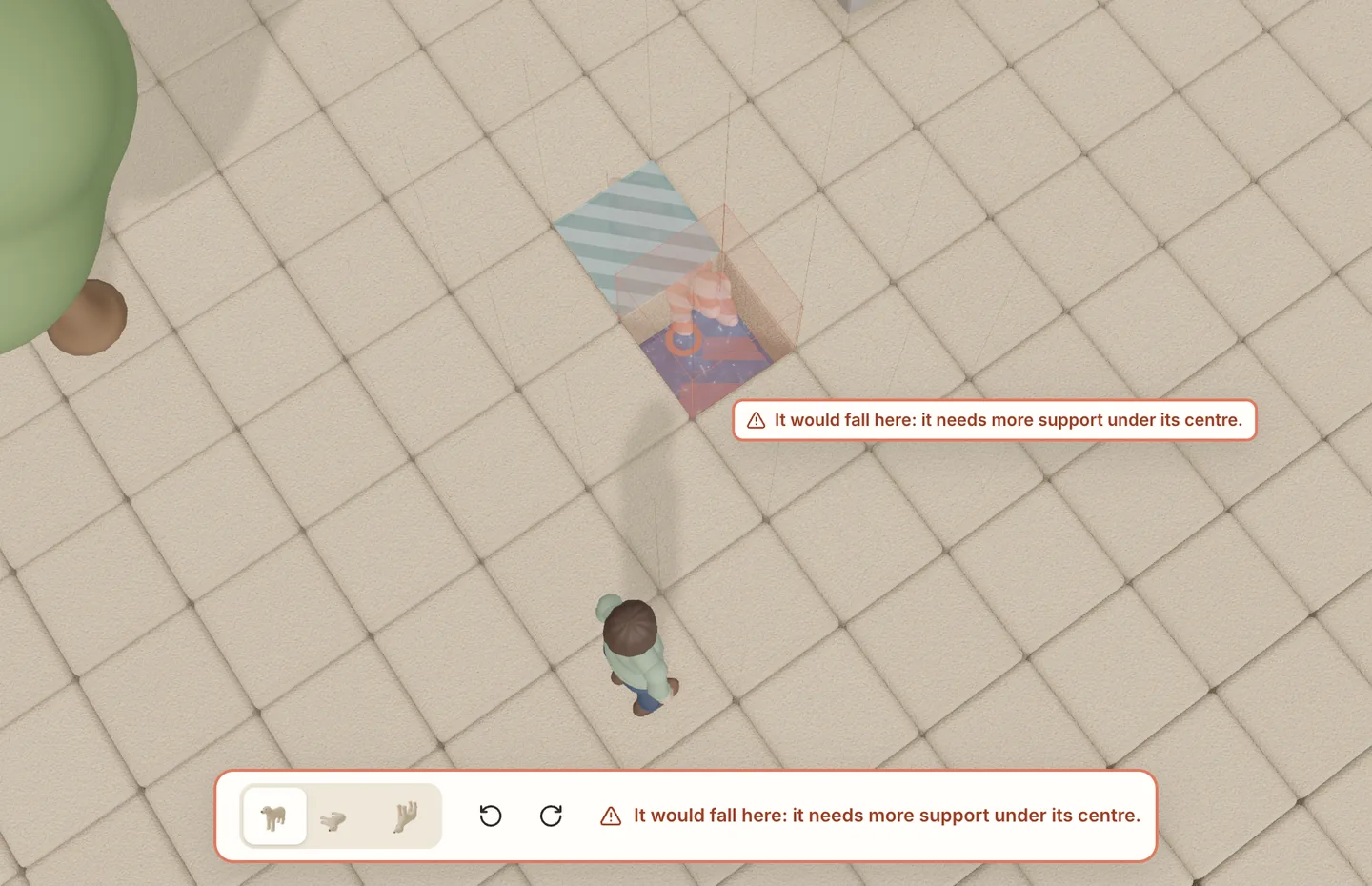
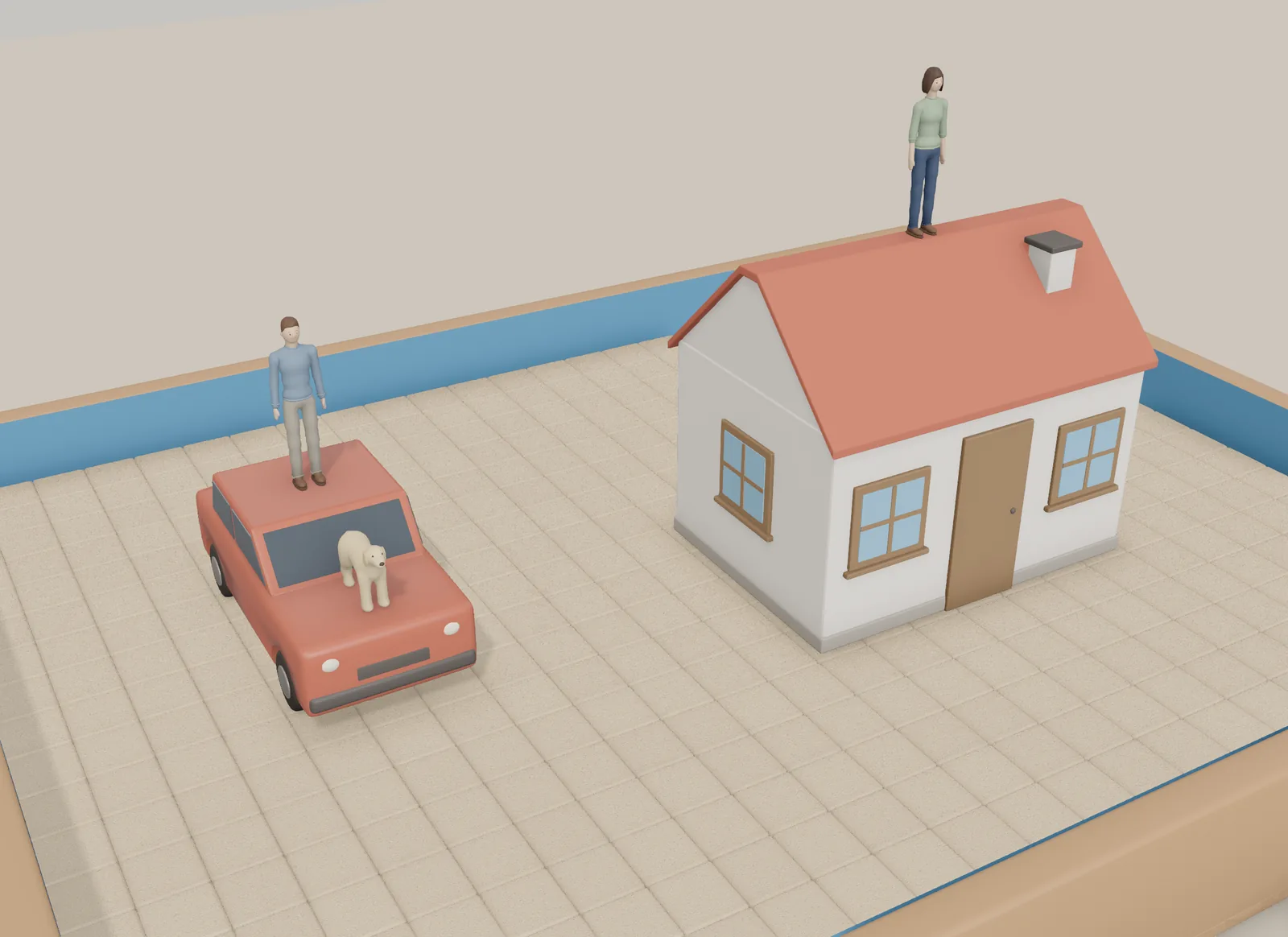
A believable physical world, where nothing floats or passes through anything, and a simple interface that stays out of your way.
-
Look from anywhere
Turn, tilt and zoom with your mouse or trackpad. The patient view and the top view are one click away.
-
Postures and direction
Each figure can face north, south, east or west and has up to four postures.
-
Stack and balance
Light things rest on heavy ones and balance depends on the centre of mass, just like in a real tray.
-
Everything can be undone
Undo and redo with a click or with Ctrl Z, so you can try things without worry.
-
Photos
Photograph your world at any time and download the images.
-
Save and continue
Save your world to a file and open it another day. If you close the tab by mistake, SandtrayRoom offers to recover it.
-
Comfortable for everyone
Keyboard shortcuts, a reduced-motion option and graphics quality that adapts to your computer.
-
Optional sound
Ambient sound and gentle effects, off until you turn them on.
-
In English and Spanish
Choose the language when you start or change it later in Settings.
Figures
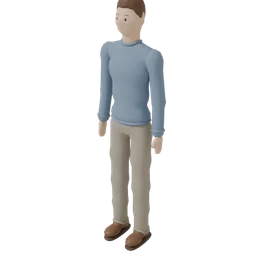
More than 70 figures in seven categories
Made for SandtrayRoom, with neutral features so each person can give them their own meaning.
-
 ManPeople
-
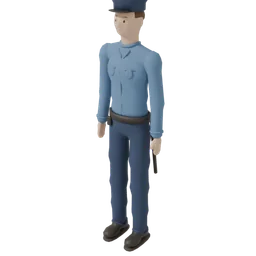 Police officerProfessions
-
 WizardFantasy
-
 DogAnimals
-
 Palm treeNature
-
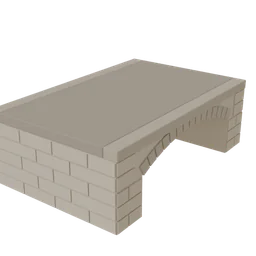 BridgeBuildings
-
 AmbulanceTransport
Each figure is rigid, like a real miniature, and has its own weight.
Who it's for
In the therapy room, remotely or at home
SandtrayRoom is designed for teenagers and adults. Children can use it too, always with an adult.
-
In the therapy room
Your therapist is beside you and watches you build, just like with a physical tray.
-
On a video call
You share your screen during the session. The interface stays readable even when the video loses quality.
-
Between sessions
You create on your own, calmly, and save your world to show your therapist at your next session.
Are you a therapist?
Your patients can bring you their world: the photos, the title, their narration and the order in which they placed the figures, with the time of each action. The file opens in SandtrayRoom so you can see it in 3D.
SandtrayRoom never interprets what is built: that conversation is yours.
- You dug 34 columns
- You raised a mound (12 columns)
- You placed the Man standing, facing South, in the centre
- You placed the Dog standing, facing East, in the centre
- You moved the Dog to the south-east
- You took a photo
Privacy
Your world is yours alone
Everything stays on your computer.
SandtrayRoom runs entirely in your browser. Your world, your photos, your texts and your session log are never sent to any server.
-
No accounts. You don't need to sign up or give your email.
-
No cookies or analytics. Nothing tracks what you do or how you do it.
-
What is stored: a copy of your world in this browser, so you can recover it if you close the tab, and the files you choose to download.
-
Session log: SandtrayRoom notes the order and time of your actions so you can share it with your therapist. It stays on your computer.
-
You can delete everything in Settings → Delete my data.
-
The server hosting the website only sees the technical data of any visit (IP address and browser).
Principles
What SandtrayRoom doesn't do
A free and protected space is also defined by what it leaves out.
-
It doesn't score you
No points, achievements or timers. There is no right or wrong way.
-
It doesn't interpret your world
No diagnoses or automatic readings. The meaning is yours.
-
It doesn't distract you
No ads, no notifications and no sounds you haven't chosen.
-
It doesn't blame you
Everything can be undone and, if something isn't possible, the message explains why.
Requirements
What you need
-
A computerDesktop or laptop, with a mouse or trackpad.
-
An up-to-date browserChrome, Firefox or Safari.
-
3D graphicsWebGL 2 with hardware acceleration turned on. Quality adapts to your computer.
-
A large screenA window of at least 1280 × 720. It doesn't work on phones or tablets.
Frequently asked questions
Before you start
Do I need to install anything or create an account?
No. SandtrayRoom opens in your browser and works without signing up: press “Create my world” and begin.
Does it replace therapy?
No. SandtrayRoom is a supportive tool and does not replace care from a mental health professional. It is designed to be used as part of a process guided by a therapist: in sessions, on video calls or between sessions.
Can I use it on my phone or tablet?
Not for now: building in 3D needs a large screen and a mouse or trackpad. If you open it on a small screen, you'll see a notice.
What happens if I close the tab by mistake?
SandtrayRoom keeps a copy of your world in the browser. When you come back, it offers to continue it or start a new one.
How do I show my world to my therapist?
When you finish, you can download the photos and save your world to a
.sandtrayroom.json file, with the title, your narration and the session
sequence. Your therapist can open it in SandtrayRoom. If you're on a video call,
just share your screen.
Can under-18s use it?
Yes, always with an adult.
Does SandtrayRoom analyse or interpret what I build?
No. The app never interprets your world or suggests diagnoses. It only applies a few simple physical rules: nothing floats or passes through anything.
How do I delete my data?
In Settings → Delete my data. Since everything is on your computer, it also disappears if you clear the site data in your browser.
Your world is waiting
Open SandtrayRoom, choose a figure and start creating. No rush and no right answers.
On a computer, with Chrome, Firefox or Safari.